Your laptop stays safe
Full screen with keys and mouse captured. No closed windows, no lost files. Only a grown-up knows the way out.
 From the first “ba” to the first word
BubaKey locks the screen into play mode. Every key becomes a letter, an animal and a word, spoken in your language.
The real game
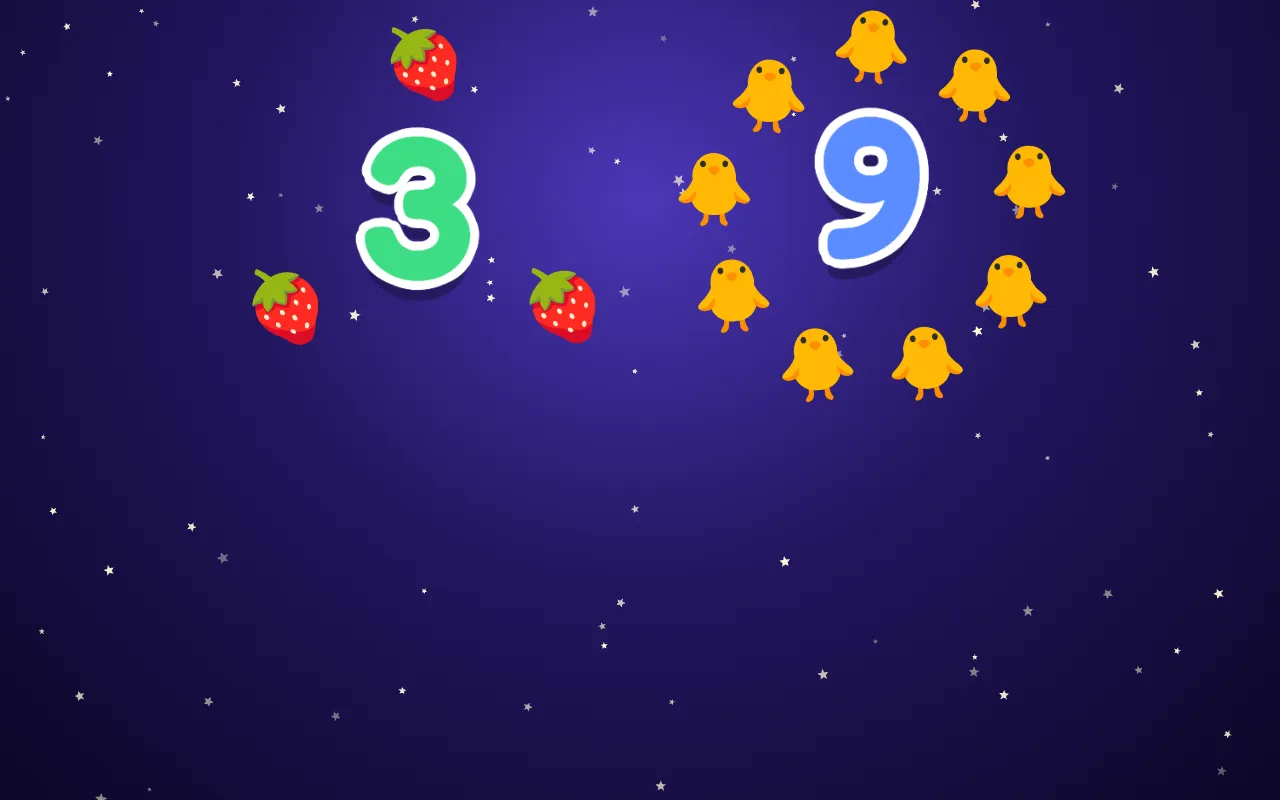
No mockups. These are real screens from BubaKey, captured from the game you can open right now.
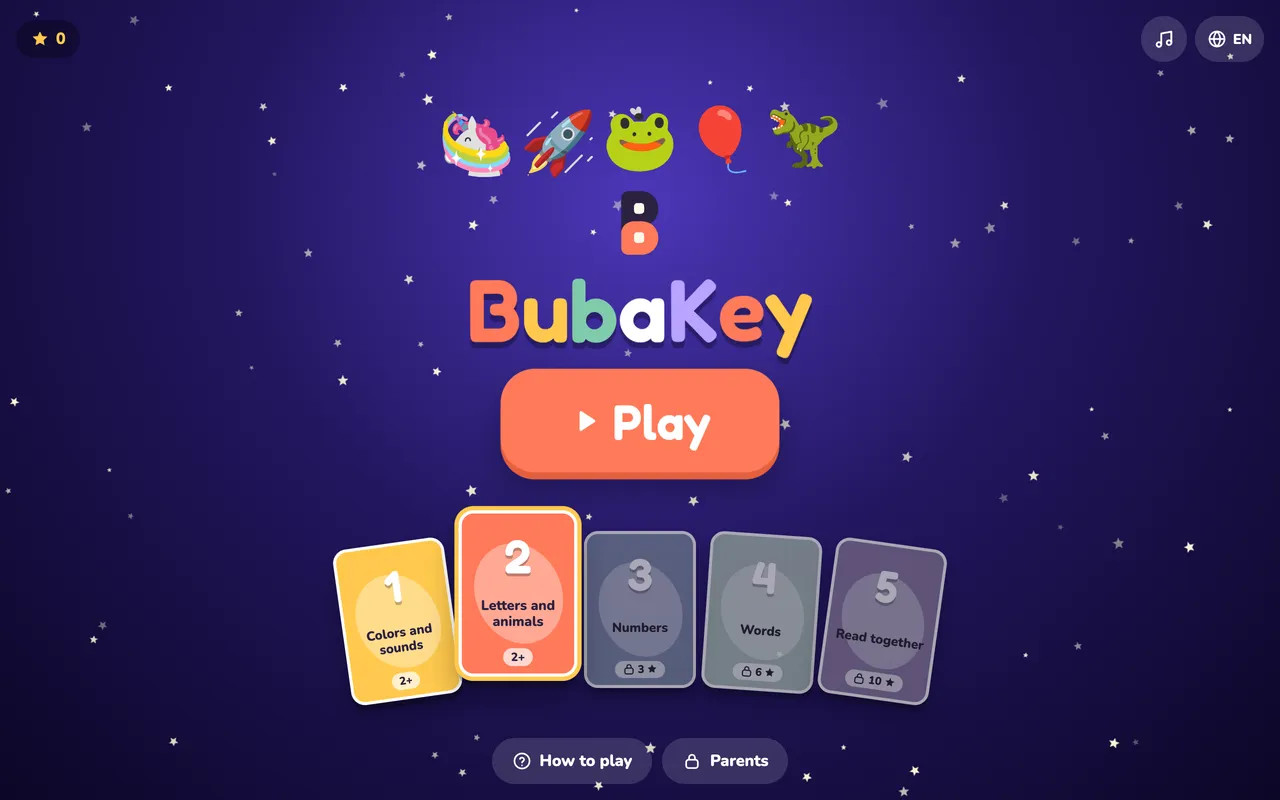
Tap the laptop screen or type on your keyboard.
Turn the sound on
Full lock (full screen, keys captured) turns on when you open the game itself.
Why parents choose BubaKey
Full screen with keys and mouse captured. No closed windows, no lost files. Only a grown-up knows the way out.
Never a silent press. Animals, colors, music and a voice that cheers.
Letters and words said out loud. Perfect for families raising bilingual kids.
Choose 10, 15 or 30 minutes. When time is up, the moon comes out and the game winds down softly.
No flashing, softer sounds, fewer things on screen. Designed for children who prefer less stimulation.
The account belongs to the grown-up. We never ask for your child’s name, photo or voice.
Grows with your child
Each layer unlocks with stars earned while playing. Parents can open any layer at any time.
Shapes, colors and their names.
Every key is a letter, an animal and a word.
Count from 1 to 9 with little friends.
Big words, said slowly, first letter highlighted.
Short sentences that appear word by word, for reading side by side.
How it works
Open BubaKey in your browser or install it as an app. Nothing to download.
The screen locks into play mode. Hand it over.
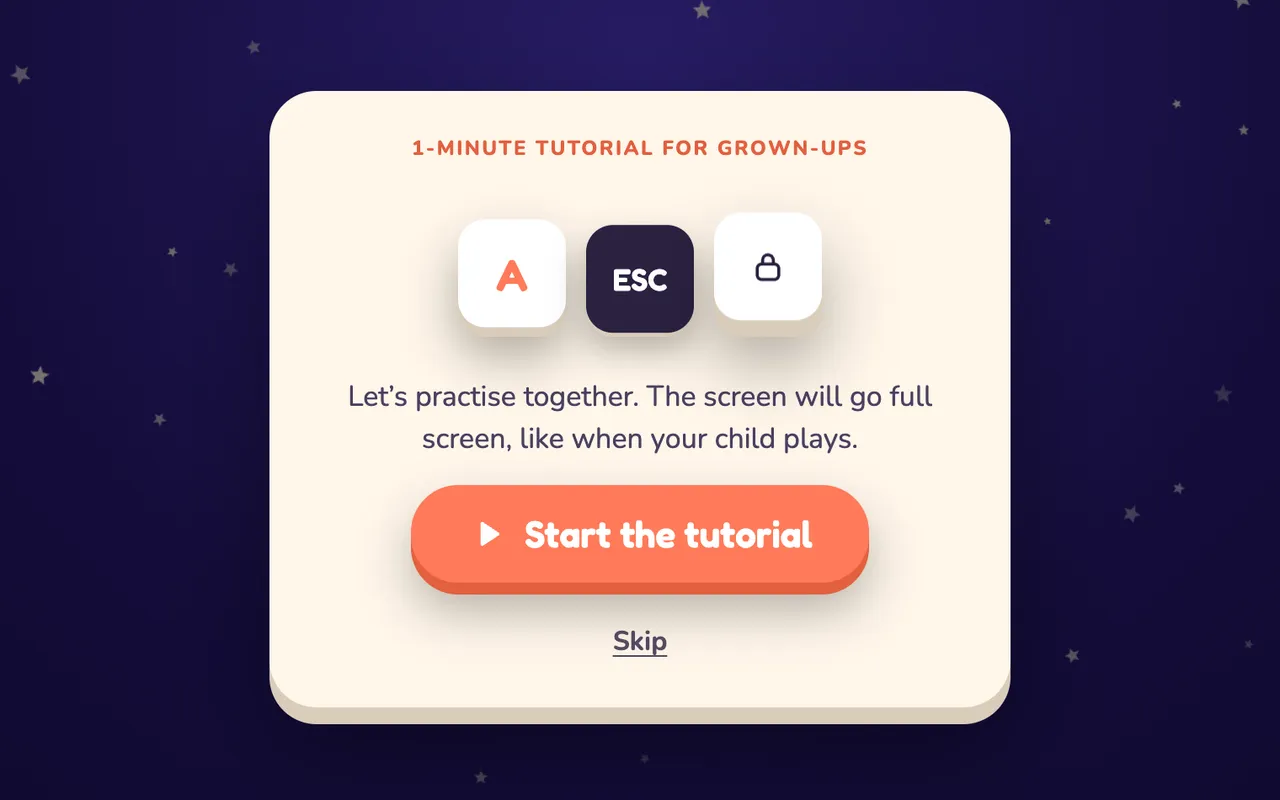
Hold ESC for 2 seconds (or the padlock on a tablet). Only grown-ups know.
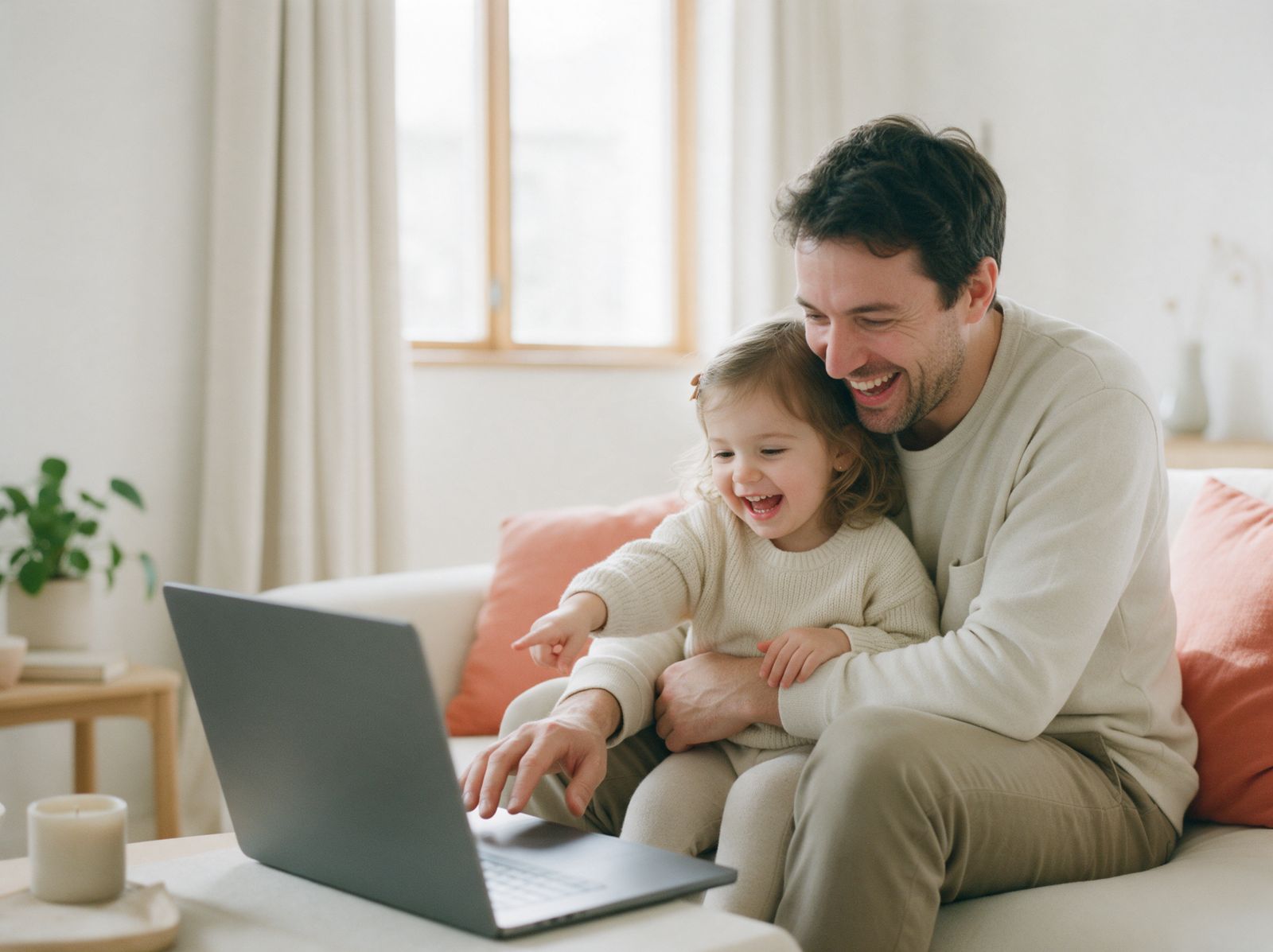
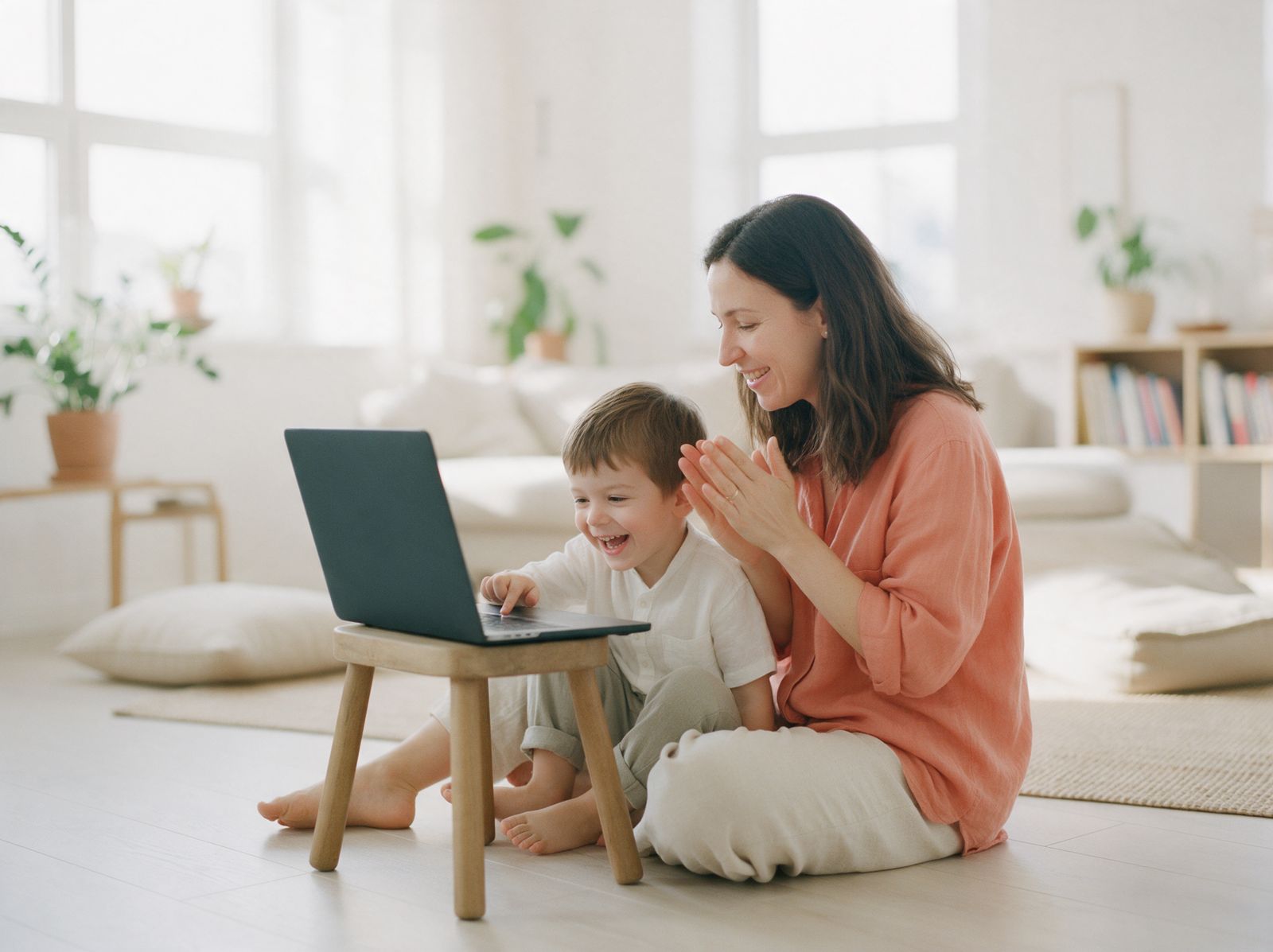
Better together
Our B is two soft keys stacked like building blocks: the dark one is you, the warm one is your child, and it is the bigger one, because they are the ones who grow. The Read together layer turns playtime into a moment to point, name and laugh side by side.
Pricing
/month
Flexible. Cancel any time.
/year
Just /month
once
Pay once. Keep it for good.
Test version: checkout opens soon. Prices in your local currency. Until then, play free.
Support the mission
BubaKey was born at home, made by a parent to teach their own child. The dream is bigger: bring AI-powered learning to children who would never have access to it, in Brazil, Portugal, Angola, Spain, Italy, the US, China and beyond.
We are not a non-profit yet, so we do not ask for donations. When the organisation exists on paper, we will say so here, with open accounts.
BubaKey goes full screen and captures the keyboard and mouse, so normal presses never reach your apps. No app can block every system shortcut (like Ctrl+Alt+Del), so stay nearby, as you would anyway.
Any laptop with a modern browser: Windows, Mac and Chromebook. Google Chrome locks best. On tablets and phones it works too, with the padlock to exit.
No. The account belongs to the grown-up. We never ask for your child’s name, photo or voice, and there are no ads inside the game.
No. Calm mode simply reduces stimulation: no flashing, softer sounds, slower animations. It can help children who get overwhelmed easily, but it is not a treatment and we do not promise therapeutic results.
One click in your account, any time. No calls, no forms.